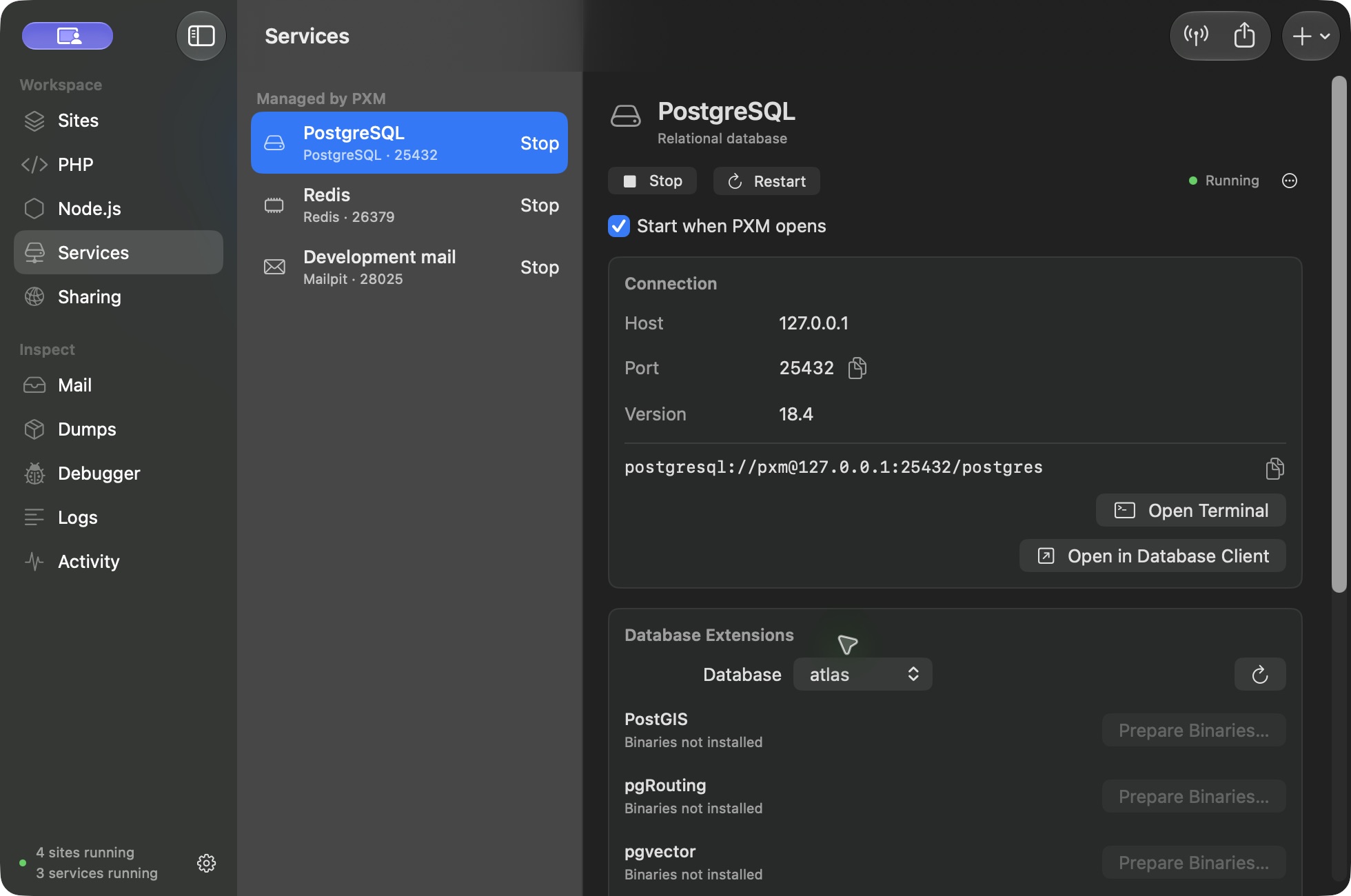
PXM offers two ways to use a database you already have: keep its current server, or import a copy into a service PXM manages.
Add a new service
Choose Add Service and select the engine and version. The add flow downloads the required runtime and shows progress before the service is ready to start. Managed services support automatic startup.
New services prefer standard ports: MySQL and MariaDB use 3306, PostgreSQL uses 5432, and Redis uses 6379. When a port is occupied, use another port or stop the existing owner deliberately.
Keep the current server
Choose Connect Existing Database. PXM discovers local installations, including Herd, Homebrew, Postgres.app, MAMP, and Docker’s locally published ports. You can also enter a port or Unix socket.
Test the credentials and choose Keep Current Server. PXM saves a connection; it does not start, stop, upgrade, or remove the original server. Passwords can be saved in the macOS Keychain.
Bring a copy into PXM
- Test the source connection and choose Manage in PXM.
- Select the application databases to import and review compatibility.
- Pause applications and jobs that write to those databases.
- Start adoption. PXM uses logical backup tools to restore into a new, independent service.
- Review verification results and test your application against the copy.
- Use Connect Sites to review the project configuration change.
The source databases stay with the source server. Recovery data is retained if an import fails. PXM does not point another database binary at an existing installation’s data directory.
What does not move automatically
Server-wide settings, passwords, replication, and every third-party extension are not copied. MySQL scheduled events remain disabled in the copy. Database roles are retained without login credentials. Configure application accounts as needed.
Supported copy paths cover MySQL 8.0/8.4, MariaDB 10.11/11.4/11.8, and PostgreSQL 14–18 where matching runtime and client tools are available. Unsupported objects or extensions can prevent a copy. You can keep using an existing connection when automatic import is unsuitable.
Before retiring the original
Verify application behavior and your own backup. Successful table and row-count checks are useful, but they do not replace application-specific validation. Stop the original server through its owner only after every application has switched.