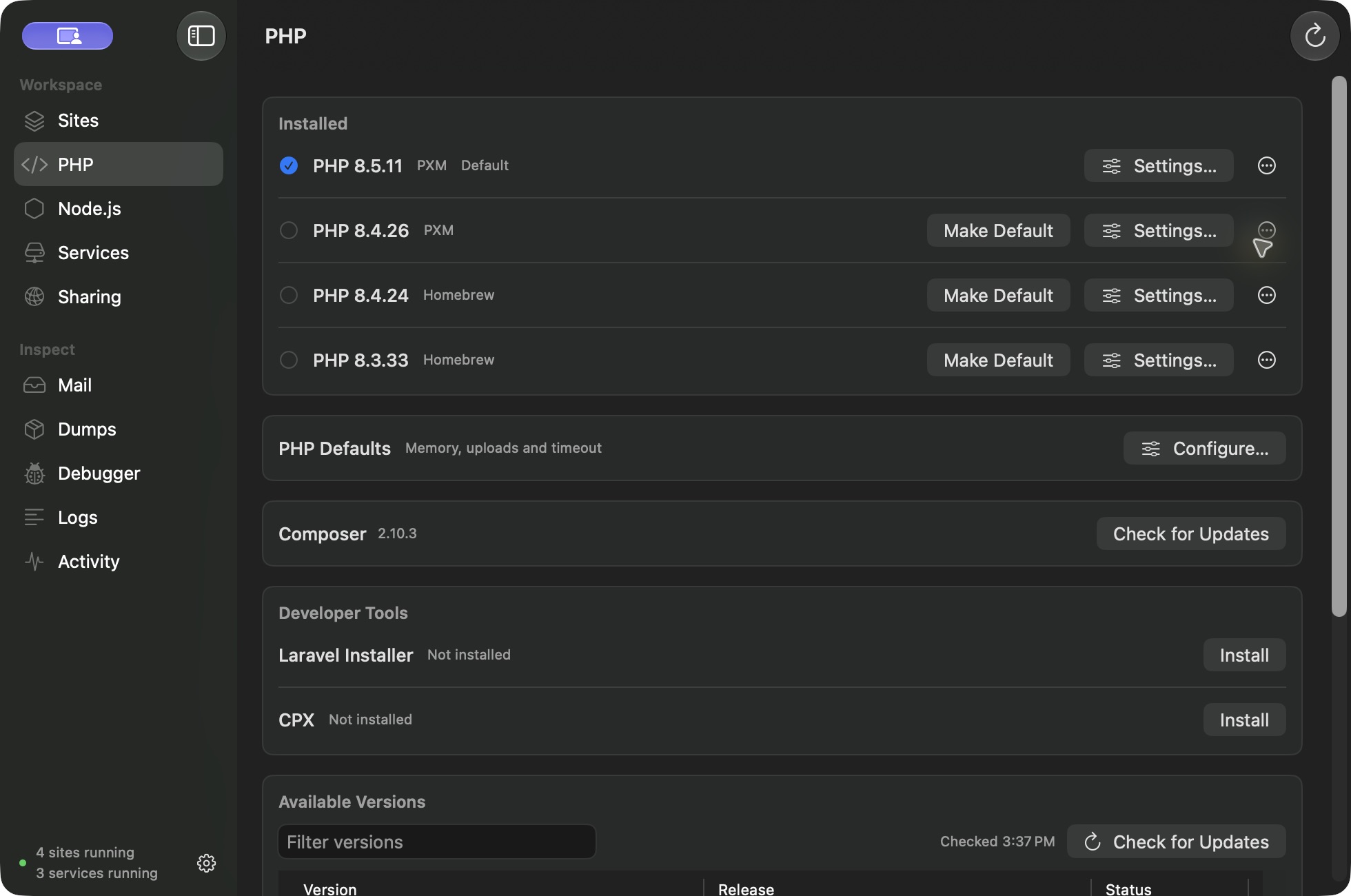
Download PHP in the app
Open PHP and choose an available version. PXM downloads its signed prebuilt PHP CLI, PHP-FPM, and matching extension kit. This installation needs no Homebrew, Xcode, or compiler.
The catalog only offers packages published for your Mac. Checking for updates refreshes the catalog without installing or switching anything.
Defaults and project pins
Make a version your workspace default, then pin individual sites where needed. A minor pin such as 8.4 follows the newest installed matching patch. An exact pin stays on that version. A missing explicit pin produces an error rather than silently choosing another runtime.
Extensions
The managed package includes common PHP modules and matching intl, sodium, Xdebug, and SPX builds. PXM enables intl and sodium for normal managed installations while respecting existing explicit choices. Debugging and profiling are enabled per site.
Use PHP settings to manage compatible imported extensions. Third-party modules are not guaranteed to support every PHP version or architecture.
Memory, uploads, and timeouts
Set workspace PHP defaults for memory, upload size, POST size, and request timeout. A runtime can inherit those settings or use a custom value. Saving validates the configuration and restarts affected PHP sites.
Node and Composer
Install Node releases side by side and choose defaults or project pins. PXM recognizes .nvmrc and .node-version files. Composer uses the selected PHP context.
Your terminal
Follow the app’s PATH setup to use PXM’s project-aware commands. Existing shell managers may already provide their own PHP or Node commands; review your shell order instead of removing them blindly.